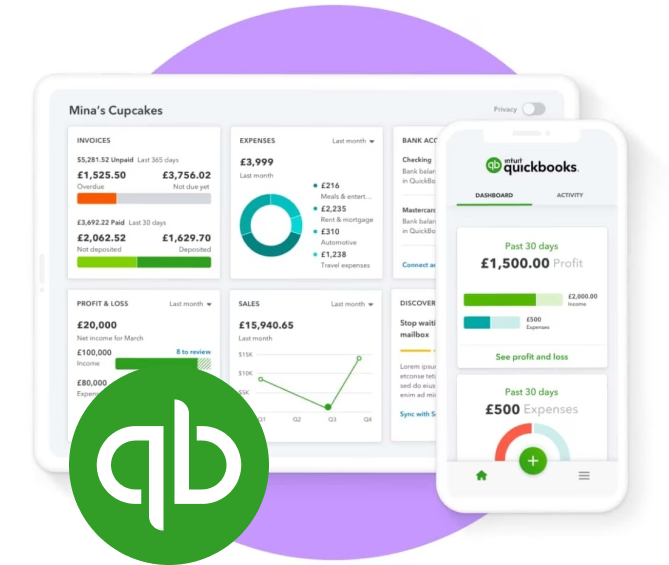
In today’s fast-paced business environment, maintaining efficiency and accuracy in managing financial transactions and project workflows is paramount. Quickbooks is a trusted name in financial management, providing robust accounting solutions to businesses of all sizes. Meanwhile, monday.com serves as a versatile work operating system, enabling teams to manage projects and workflows with ease. The integration of Quickbooks with monday.com can significantly enhance operational efficiency by automating processes and providing a unified platform for financial and project management tasks. This article delves into the steps and benefits of integrating these two powerful tools.
Understanding the Basics of Integration
Integrating Quickbooks with monday.com involves connecting the financial management capabilities of Quickbooks with the workflow management features of monday.com. This integration can streamline operations, improve data accuracy, and enhance team collaboration by ensuring that financial data is seamlessly incorporated into project workflows.
Key Steps in the Integration Process
- Identify Your Needs: Before beginning the integration process, it is essential to determine the specific requirements of your business. This could involve identifying which financial data or processes need to be linked with project management workflows on monday.com.
- Set Up the Integration: Utilize a reliable third-party tool or built-in integration options provided by Quickbooks and monday.com to establish a connection between the two platforms. Ensure that the integration is set up to automatically sync relevant data.
- Customize Workflows: Tailor the workflows on monday.com to accommodate the financial data imported from Quickbooks. This might include setting up automations, notifications, or custom dashboards to visualize financial metrics alongside project status updates.
- Test and Monitor: After the integration setup, conduct thorough testing to ensure data is accurately transferred and reflected in both systems. Regular monitoring is crucial to maintain data integrity and address any discrepancies promptly.
Benefits of Integrating Quickbooks with Monday.com
The integration of Quickbooks with monday.com offers several advantages that can drive business efficiency and productivity. Below are some key benefits:
Enhanced Financial Oversight
By integrating financial data from Quickbooks into monday.com, businesses can achieve a comprehensive view of their financial health in real-time. This integration allows for better tracking of budgets, expenses, and revenues directly within the project management interface, facilitating informed decision-making.
Improved Workflow Automation
Automation is one of the most significant advantages of integrating Quickbooks with monday.com. Businesses can automate repetitive tasks such as invoice generation, expense tracking, and financial reporting. This not only saves time but also reduces the risk of human error, ensuring that financial data is accurate and up-to-date.
Seamless Collaboration
With financial data integrated into project workflows, teams can collaborate more effectively. Team members have access to the financial context of their projects, enabling them to make better strategic decisions and align their efforts with the company’s financial objectives. Discover more about monday.com quickbooks int?gration and how it can foster collaboration.
Conclusion
Integrating Quickbooks with monday.com is a strategic move that offers multifaceted benefits, from enhanced financial oversight to increased operational efficiency. By seamlessly merging financial management with project workflows, businesses can optimize their processes, save time, and drive growth. As businesses continue to seek solutions that enhance productivity, the integration of these platforms presents a powerful opportunity to stay ahead in a competitive marketplace.